
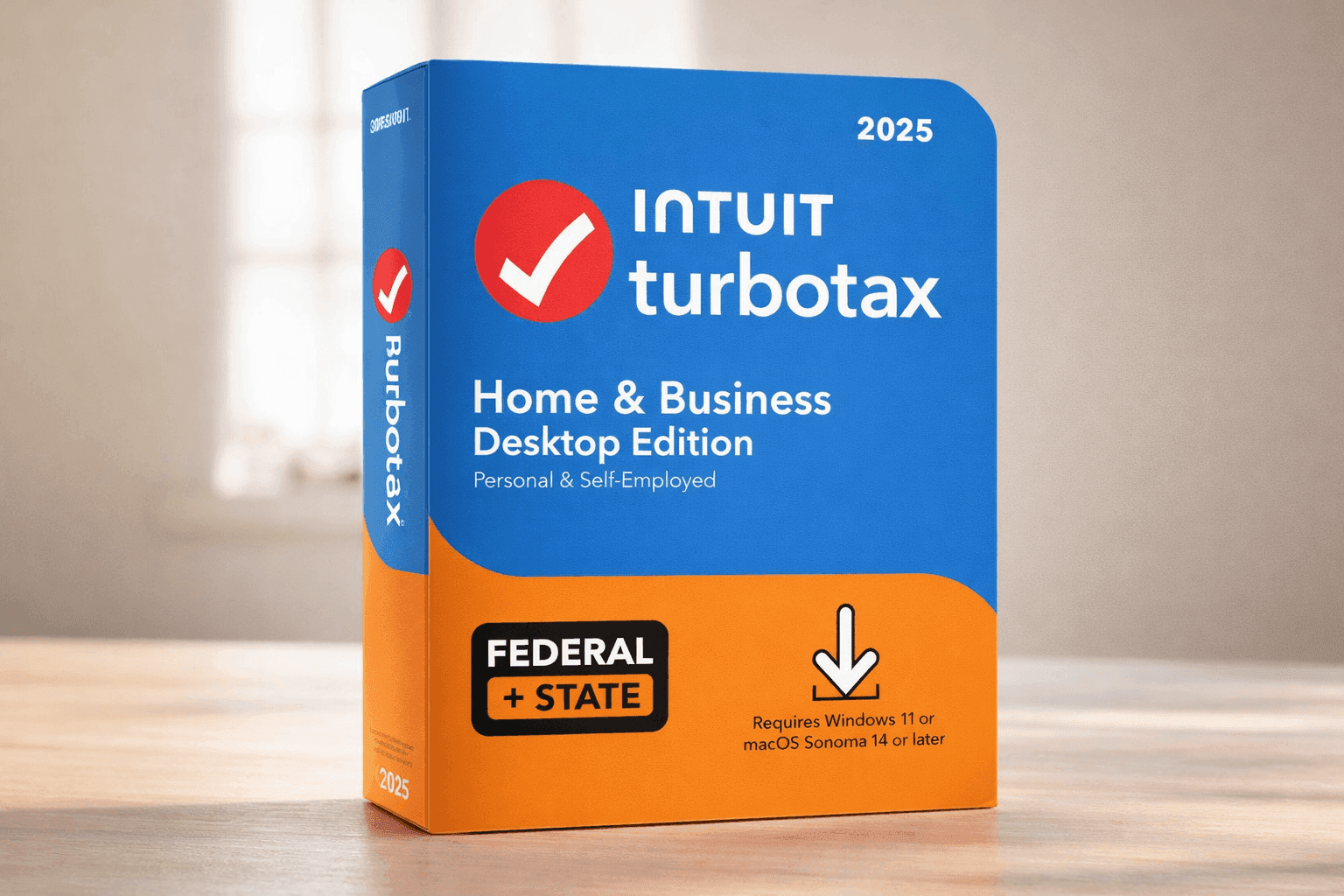
Taxes can feel like a maze, especially when income comes from multiple sources. One minute it’s freelance work, the next it’s a side gig or a small business expense that needs tracking. That’s where TurboTax Home & Business Desktop Edition 2025 steps in as a structured, all-in-one solution designed for people managing more than just a simple paycheck.
This desktop software focuses on helping self-employed individuals handle deductions, track expenses, and file accurately without feeling overwhelmed. It brings together tax preparation, business tools, and guidance in one place. With the right setup, it can save time and reduce costly mistakes.
TurboTax Home & Business Desktop Edition 2025 Overview
Current Amazon US Pricing:
- MSRP: $129.99
- Typical range: $95–$119
- Peak deals: as low as $75
The base package includes:
- Federal tax preparation
- 5 federal e-files
- 1 state program download
Additional costs:
- State e-file: ~$25 per return
- Audit Defense: ~$60
- Expert Help: ~$60
Most users spend between $100–$160 total, depending on add-ons.
Who This Software Works Best For
This software is designed for people handling business income.
Best fit:
- Freelancers filing 1099 income
- Gig workers with multiple income streams
- Small business owners and sole proprietors
- Side hustlers tracking expenses and deductions
Less suitable:
- Basic W-2 employees
- Users with simple tax situations
A review of user trends shows that over 36% of U.S. workers now participate in freelance or gig work (Upwork Research, 2023). Tools like this cater directly to that growing group.
Core Business Features You’ll Actually Use
Self-Employment Tax Support
The software includes full Schedule C tax software functionality. It walks through income and expenses step by step and automatically calculates Schedule SE taxes.
There’s also a home office deduction tool with both simplified and actual expense methods.
Depreciation and Asset Tracking
Tracking business equipment can get messy. This tool simplifies:
- Depreciation calculations
- Asset categorization
- Cost of goods sold (COGS) tracking
This feature is especially useful for product-based businesses or those investing in equipment.
Business Deductions and Tax Savings
The built-in deduction finder highlights write-offs based on industry type.
Examples include:
- Health insurance deductions
- Office supplies and tools
- Mileage and travel expenses
According to the IRS, small businesses often miss legitimate deductions due to lack of awareness. Automated prompts help reduce that gap.
Supported Tax Forms
This small business tax filing software covers more than basic forms:
- Schedule C (business income)
- Schedule SE (self-employment tax)
- Schedule D (capital gains/losses)
- Schedule E (rental income)
It also allows creation of:
- W-2 forms
- 1099-NEC
- 1099-MISC
That’s helpful when managing contractors or multiple income streams.
Smart Tools That Make a Difference
Deduction Discovery
The system suggests deductions based on profession. This saves time compared to manual research.
Audit Risk Meter
Flags areas that could trigger IRS attention. While not a guarantee, it adds a layer of awareness before filing.
What-If Scenario Testing
Test different tax strategies before submitting. This helps compare outcomes and adjust deductions.
Data Import Integration
Imports data from:
- QuickBooks
- Brokerage accounts
- Previous TurboTax returns
This reduces manual entry errors and speeds up filing.
System Requirements and Setup
Supported systems:
- Windows 11 (64-bit)
- macOS Sonoma 14+
Requirements:
- Minimum 4GB RAM (8GB recommended)
- 2–4GB storage
- Internet for updates and e-filing
After installation, the desktop version allows offline work, which is useful for privacy and flexibility.
What Comes With Your Purchase
- Federal filing + 5 e-files
- 1 state program download
- Free updates for tax law changes
- Basic technical support
One license supports multiple returns, which can help households or small operations managing more than one filing.
Strengths and Limitations
What Works Well
- Strong support for self-employed filing
- Reliable deduction tracking tools
- Desktop setup offers better data control
- Handles multiple returns in one license
Where It Falls Short
- Higher upfront cost compared to basic plans
- Add-ons can increase total price quickly
- Interface feels less modern than online version
- No built-in bookkeeping (requires QuickBooks)
From a broader perspective, desktop software appeals to users who prioritize control and privacy, while cloud tools attract those who want convenience and automation.
Final Thoughts
TurboTax Home & Business Desktop Edition 2025 fits best when tax filing involves business income, multiple deductions, or detailed expense tracking. It delivers solid tools that help organize complex financial data and reduce guesswork during tax season.
There are extra costs to consider, and the interface takes a bit of time to get used to. Still, the depth of features makes it a dependable option for freelancers and small business owners who want more control over their filings.
If this sounds like a match for your situation, it’s worth checking current deals on Amazon and comparing it with other tax software options available right now.