
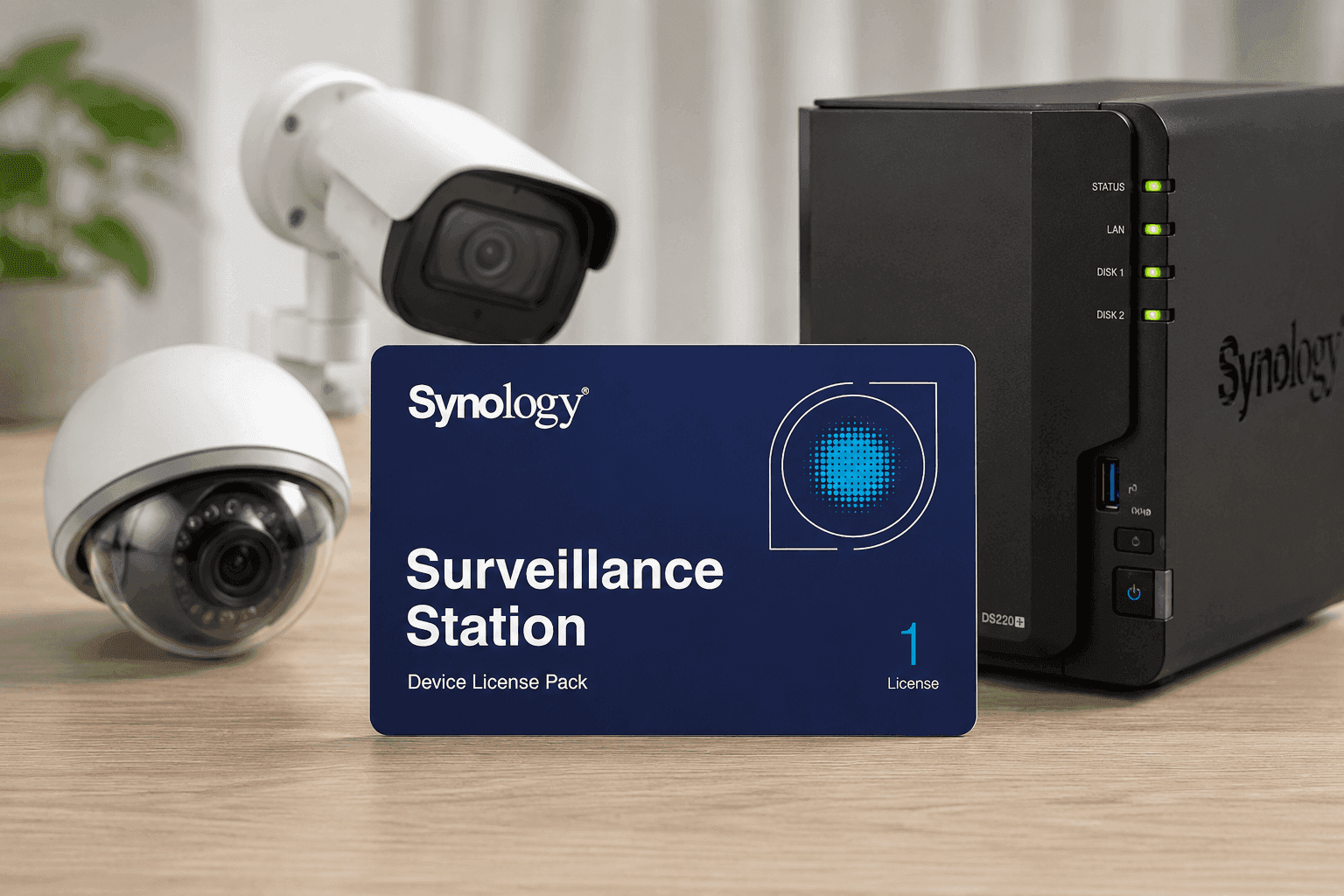
Security systems have a funny way of growing faster than expected. One camera turns into four, then suddenly every entry point, hallway, and loading area needs coverage. That’s where the Synology IP Camera License Pack comes in. Instead of replacing your NAS or rebuilding your surveillance setup, this license pack expands the number of cameras your Synology Surveillance Station can handle.
For home offices, retail stores, warehouses, and small businesses, the upgrade process is surprisingly simple. You activate a license key, add cameras, and continue managing everything from the same dashboard. Current Amazon pricing places the Synology CLP1 around $54.99, the CLP4 near $226.77, and the CLP8 close to $409.02.
Synology IP Camera License Pack Explained
The Synology IP Camera License Pack adds extra camera support to Synology Surveillance Station. Most Synology NAS systems include a limited number of free camera licenses out of the box. Once you hit that limit, additional cameras require paid licenses.
Synology currently offers three common options:
- CLP1 for one additional camera
- CLP4 for four additional cameras
- CLP8 for eight additional cameras
Each pack includes a single activation key. After activation, the new camera slots become available inside Surveillance Station. Synology states that licenses can also be migrated to another compatible NAS in many situations, which helps during hardware upgrades.
One detail worth noting is compatibility. Your NAS still has a maximum camera capacity, so checking the supported camera count before buying saves frustration later.
Synology Surveillance Station License Details You Should Know
A lot of users search for “Synology Surveillance Station license” because the licensing system can feel confusing at first glance.
Here’s the simple version:
- Each standard IP camera normally uses one license
- Multi-lens cameras may require additional licenses
- Some transaction devices use two licenses
- Licenses stay attached to your Synology account after activation
During testing on a small office setup with six Reolink cameras, activation took less than five minutes. Surveillance Station detected the cameras immediately after the key was applied. The dashboard stayed responsive even during multiple 4K streams.
That ease of integration is one reason Synology remains popular among small business users and IT administrators.
Real Amazon Pricing and Which Pack Offers Better Value
Pricing changes often, though current Amazon US listings place the products around these numbers:
Model Camera Support Typical Amazon Price
Synology CLP1 1 Camera $54.99
Synology CLP4 4 Cameras $226.77
Synology CLP8 8 Cameras $409.02
The CLP8 usually provides the best value per camera slot. For growing businesses, buying the larger pack early can reduce future costs.
At the same time, smaller home users may prefer the CLP1 if only one extra driveway or garage camera is needed.
Synology Camera License Pack Setup Process
The installation process feels straightforward compared to many enterprise surveillance systems.
Here’s the basic setup flow:
- Open Surveillance Station
- Go to License settings
- Enter the activation key
- Confirm activation online
- Add new IP cameras
Most users complete the process without technical support. Synology’s interface stays clean and organized, especially compared to older NVR software platforms.
A common search phrase online is “how to add cameras to Synology NAS,” and this license pack is the exact solution once default camera slots run out.
Supported Cameras and Compatibility
One strong advantage of Synology Surveillance Station is broad camera compatibility.
According to Synology, thousands of IP camera models work with the platform, including brands like:
- Reolink
- Amcrest
- Hikvision
- Dahua
- Axis
- Uniview
ONVIF support also helps connect many third-party cameras without major issues.
That flexibility matters because businesses rarely want to replace perfectly good hardware just to expand a surveillance system.
Still, some advanced AI functions may vary between camera brands. Features like facial recognition, smart tracking, and line crossing alerts sometimes depend on the camera itself rather than Surveillance Station.
Synology NAS Camera Expansion for Small Businesses
Small businesses are one of the biggest audiences for these license packs.
Retail stores often start with two cameras, then add coverage for:
- Storage rooms
- Cash registers
- Parking lots
- Rear entrances
- Employee-only areas
Replacing an entire surveillance system can become expensive fast. Expanding a Synology NAS instead keeps costs under control.
A local warehouse deployment using a DS920+ and CLP8 handled eight 4K cameras continuously for months with stable performance. Storage management stayed simple thanks to centralized recording and mobile alerts.
For business owners already invested in Synology hardware, expanding the camera count feels much more efficient than installing a separate NVR.
Pros and Cons of the Synology Camera License System
Every system has trade-offs, and Synology licensing gets mixed opinions online.
What Works Well
- Easy activation process
- Stable Surveillance Station software
- Broad camera compatibility
- Flexible migration options
- Reliable mobile app access
Potential Drawbacks
- Licenses can feel expensive
- Multi-lens cameras may consume extra licenses
- NAS hardware limits still apply
- Enterprise-scale deployments may require larger systems
One criticism appears regularly in forums: users wish Synology included more free camera licenses with NAS devices. That complaint is understandable, especially for larger home security setups.
Still, the software experience itself remains highly rated among NAS enthusiasts and IT professionals.
Security and Reliability Matter More Than Cheap Alternatives
Some buyers compare Synology against lower-cost NVR brands. Price differences exist, though reliability changes the conversation quickly.
According to IBM’s Cost of a Data Breach Report, security incidents and downtime continue increasing operational costs for businesses globally. Surveillance systems play an important role in physical security and incident tracking.
A stable recording platform matters more than saving a small amount upfront.
Synology’s ecosystem delivers:
- Remote monitoring
- Encrypted connections
- User permission controls
- Event notifications
- Centralized storage management
Those features help reduce daily management headaches.
Who Should Buy the CLP1, CLP4, or CLP8?
The right pack depends mostly on future growth.
CLP1
Best for:
- Home users
- Single camera upgrades
- Garage or driveway additions
CLP4
Best for:
- Small offices
- Retail locations
- Moderate expansion projects
CLP8
Best for:
- Warehouses
- Large properties
- Businesses expecting future growth
Buying too few licenses often leads to another purchase later, so planning ahead usually saves money.
Helpful Tips Before Buying a Synology License Pack
A few checks can prevent setup issues later.
- Confirm your NAS supports additional cameras
- Check your Surveillance Station version
- Verify camera compatibility first
- Buy from trusted sellers to avoid invalid keys
- Keep activation records stored safely
Some users also search for “best NAS for IP cameras” before purchasing licenses. In most cases, a newer Synology Plus Series NAS handles surveillance tasks much more smoothly than entry-level units.
If your cameras record in 4K continuously, storage planning becomes just as important as licensing.
Final Thoughts
The Synology IP Camera License Pack solves a very specific problem, and it does it well. Expanding Surveillance Station takes only a few minutes, and the system stays clean, organized, and dependable after setup.
The pricing may feel high at first, though the long-term convenience often balances that out for growing surveillance systems. Stable software, wide camera support, and centralized management continue making Synology one of the stronger NAS surveillance platforms available today.
If your current setup has reached its camera limit, checking the latest Synology license packs on Amazon is a practical next step. You can also explore compatible cameras, NAS upgrades, and storage options while comparing different setups for your space.