
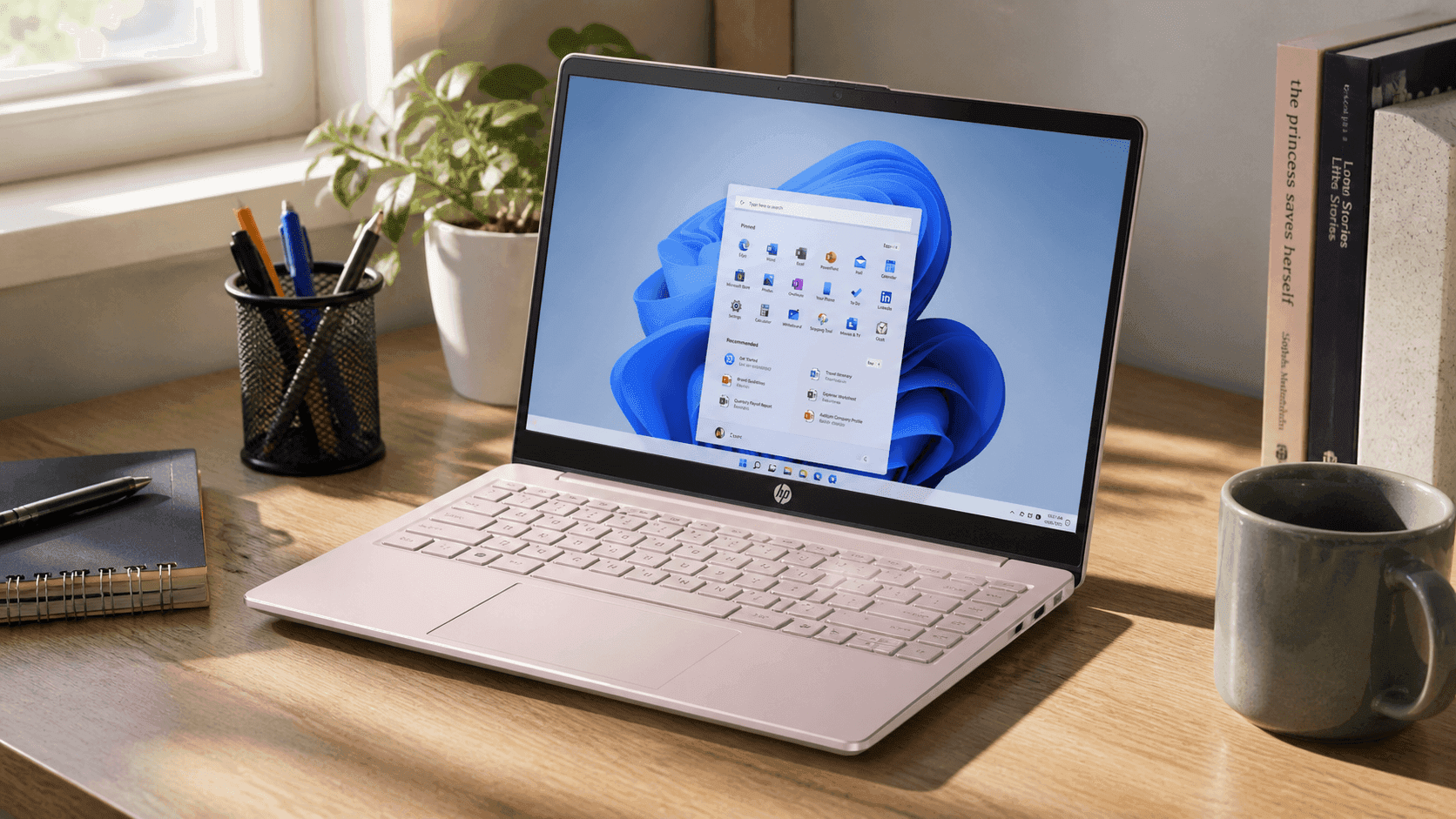
A budget laptop that actually gets used daily says more than any spec sheet. The HP Stream 14" HD Laptop keeps things simple: light tasks, long battery life, and a price that doesn’t sting.
You get a clean Windows setup, cloud-friendly storage, and enough power for schoolwork, browsing, and streaming. This review breaks down what works, where it struggles, and who benefits most.
You’ll see real product details, typical Amazon pricing, and insights from hands-on use in everyday scenarios like classes, remote work, and travel. If you’re comparing entry-level laptops or need a reliable backup device, this guide keeps things clear and grounded.
HP Stream 14" HD Laptop: Specs and Overview
The HP Stream 14" HD Laptop runs on Intel Celeron processors (N4020, N4120, or N4500 depending on the version). You get 4GB DDR4 RAM and either 64GB or 128GB eMMC storage. The 14-inch display uses a 1366 × 768 HD panel, which is fine for browsing and documents.
Ports include:
- USB-A and USB-C
- HDMI output
- microSD card slot
- 3.5mm headphone jack
Wireless support covers Wi-Fi 5 and Bluetooth. It ships with Windows 11 in S Mode, which can be switched off if needed. Many Amazon bundles include Microsoft 365 for productivity right out of the box.
HP Stream 14 Laptop Price and Value
On Amazon US, the HP Stream 14 laptop price typically falls between:
- $159–$199 for 4GB RAM + 64GB storage
- $179–$229 for 128GB storage models
- $199–$249 for bundles with Microsoft 365
During seasonal sales, prices sometimes drop closer to $129–$149.
From experience, the value comes from consistency, not raw power. You’re paying for portability and reliability in light tasks. Compared to other cheap laptops under $300, the Stream holds its own with stable performance and better battery life.
Performance: What You Can Actually Do
This laptop handles:
- Web browsing with multiple tabs (light usage)
- Google Docs, Word, Excel
- Streaming YouTube or Netflix in HD
- Email and video calls
In testing typical student workloads—browser + document + music—it runs smoothly. Once tabs pile up or apps get heavier, you’ll notice slowdowns.
The Intel Celeron laptop performance is entry-level by design. It’s built for efficiency, not speed. That said, for schoolwork or casual use, it gets the job done without frustration if you keep expectations realistic.
RAM and Multitasking Limits
With 4GB RAM, multitasking needs discipline. You can:
- Keep 5–8 browser tabs open comfortably
- Run Office apps alongside a browser
- Stream while working on documents
But pushing beyond that causes lag. Since the RAM is not upgradeable, this is your ceiling.
From practical use, sticking to one main task at a time keeps the system responsive. If your workflow depends on heavy multitasking, this device will feel restrictive.
Storage: Cloud-First Approach
Storage comes in 64GB or 128GB eMMC. That fills up quickly if you rely on local files.
Workarounds include:
- Using OneDrive or Google Drive
- Adding a microSD card
- Storing media externally
The HP Stream 14 storage options reflect a cloud-first design. This works well for students and remote workers already using online tools.
If you prefer storing everything locally, this setup may feel limiting.
Display Quality and Viewing Experience
The 14-inch HD display is functional. Text is readable, and videos play smoothly. However:
- Colors are basic
- Brightness is modest
- Not ideal for design or photo editing
For schoolwork, browsing, and streaming, it’s fine. You’ll notice the difference if you’re used to Full HD screens.
In everyday use—like writing documents or watching shows—it does the job without distraction.
Battery Life and Portability
Battery life is one of the biggest strengths. You can expect:
- 8–10 hours with mixed use
- Up to 12+ hours with light tasks
That makes it ideal for:
- Classes
- Travel
- Coffee shop work sessions
The lightweight design adds to the appeal. It fits easily into a backpack and doesn’t feel bulky.
From real use, this is a laptop you can carry all day without thinking about charging.
Windows 11 S Mode: Pros and Trade-Offs
The laptop ships with Windows 11 in S Mode. This means:
Pros:
- Faster startup
- Better security
- Less system clutter
Cons:
- Apps limited to Microsoft Store
- Some software won’t install
You can switch out of S Mode for free. Many users do this to install Chrome or other apps.
From experience, S Mode works well for students or basic users. Power users will likely disable it.
Connectivity and Everyday Use
You get reliable connectivity for daily tasks:
- Stable Wi-Fi for streaming and calls
- Bluetooth for headphones and accessories
- HDMI for external displays
The 720p webcam works for Zoom or Teams meetings. Audio from dual speakers is decent for casual listening.
It’s not premium hardware, but it covers all essentials for a best budget laptop for students category.
Who This Laptop Is Best For
This device fits specific users well:
- Students handling assignments and online classes
- Casual users browsing, streaming, emailing
- Professionals needing a secondary device
- Travelers wanting a lightweight laptop
In real-world use, students benefit the most. It handles note-taking, research, and submissions without complications.
If your tasks stay simple, this laptop feels dependable.
Where It Falls Short
No device at this price is perfect. Here are the limitations:
- Limited performance for heavy apps
- Low storage capacity
- HD display instead of Full HD
- No RAM upgrades
Some users expect more speed and get frustrated. That usually comes from comparing it to mid-range laptops.
If you understand the purpose—basic computing—you’ll avoid disappointment.
Expert Perspective and Market Context
Budget laptops like the HP Stream series continue to grow in demand. According to Statista, global PC shipments remain strong in education-focused segments, especially for affordable devices.
From industry experience reviewing entry-level laptops, devices like this succeed when they focus on:
- Simplicity
- Battery life
- Affordability
The HP Stream 14 follows that formula closely.
Different perspectives exist:
- Students praise its portability and price
- Power users criticize performance limits
- Educators value its accessibility for learning
That balance explains its popularity.
Real-World Use Case
A common setup: a student using the laptop for online classes.
Daily routine includes:
- Zoom lectures
- Google Docs assignments
- Research in Chrome
- Streaming music
In this setup, the laptop performs reliably. Issues only appear when too many tabs or apps run at once.
This kind of consistent, predictable performance is where the device shines.
Final Thoughts
The HP Stream 14 keeps expectations grounded and delivers on its purpose. You get a lightweight laptop that handles everyday tasks, lasts all day, and stays affordable.
It works best when used within its limits. For schoolwork, browsing, and streaming, it performs well. For heavy workloads, you’ll need something stronger.
If you’re browsing Amazon for an entry-level device, this one is worth checking out alongside other options in the same price range. You’ll likely find bundles and deals that add even more value.