
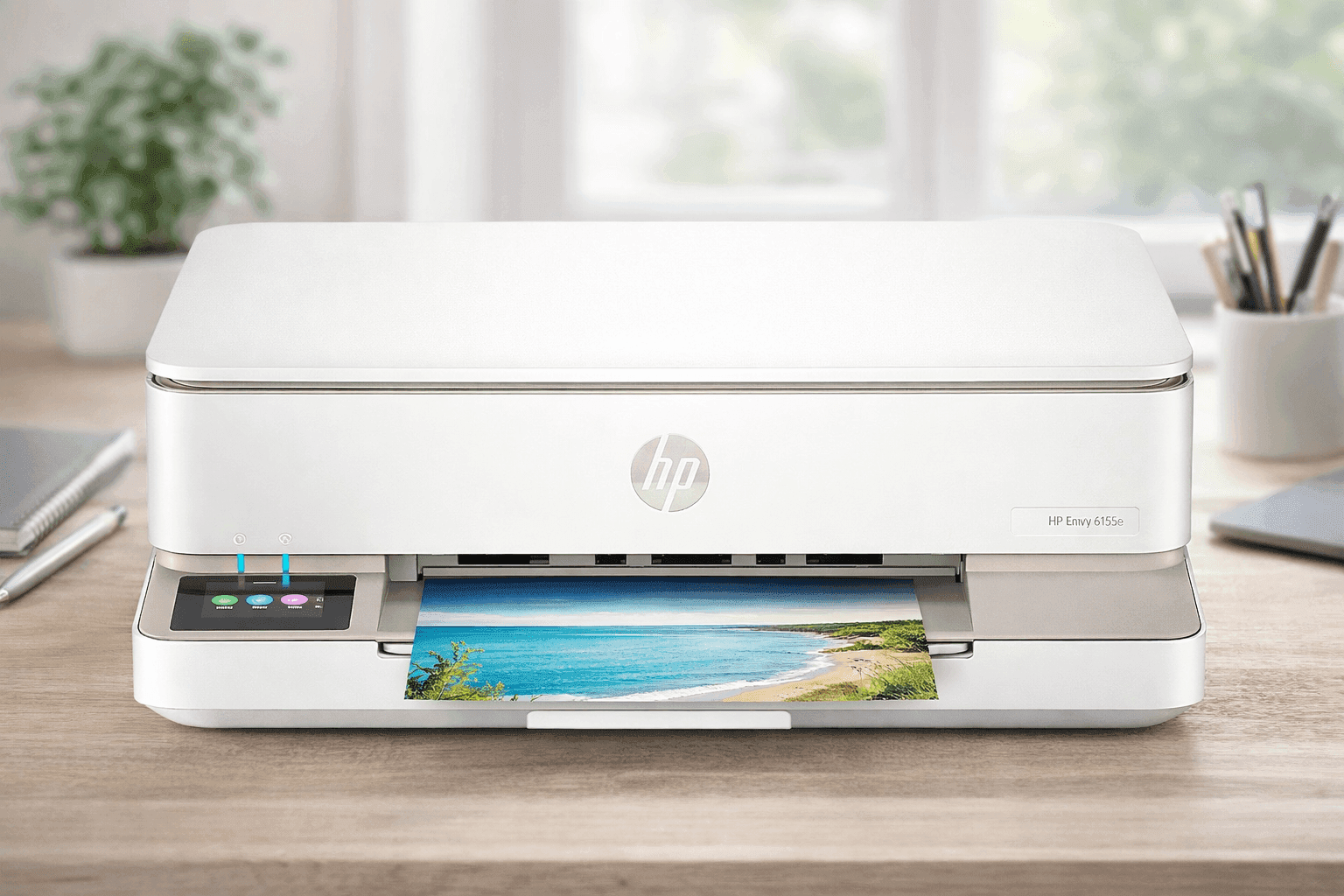
A printer that doesn’t fight your workflow feels like a small win. The HP Envy 6155e Wireless All-in-One Color Inkjet Printer aims to keep things simple for everyday printing, scanning, and copying without taking over your desk or your budget.
If you handle school papers, occasional photos, or light office tasks, this model lands in a sweet spot between affordability and functionality. It connects easily, works well with mobile devices, and delivers solid print quality for daily use.
Still, there are a few trade-offs worth knowing before you buy. Here’s what you need to know before adding it to your setup.
HP Envy 6155e Wireless All-in-One Color Inkjet Printer Overview
The HP Envy 6155e Wireless All-in-One Color Inkjet Printer is built for home users, students, and small spaces. You get printing, scanning, copying, and mobile fax in one compact device.
Typical Amazon US pricing ranges from $79 to $129, depending on promotions. Many listings include a 3–6 month HP Instant Ink trial, which helps reduce upfront ink costs.
Key highlights:
- Print, scan, copy, and mobile fax
- Compact footprint for desks or dorms
- HP+ enabled for cloud features
- Works with the HP Smart app for mobile control
If your daily workload stays light to moderate, this printer fits naturally into your routine.
Print Speed and Everyday Performance
For daily tasks, speed matters more than peak numbers. This printer delivers:
- Up to 10 pages per minute (black)
- Up to 7 pages per minute (color)
- First page out in about 18–21 seconds
In real use, printing homework packets or short reports feels smooth. Large documents take longer, so patience helps during bulk jobs.
HP lists a monthly duty cycle of up to 1,000 pages, though a realistic range sits closer to 100–400 pages. That aligns with home use, not heavy office demands.
Print Quality for Documents and Photos
This is where the printer performs well for its price.
- Black resolution: up to 1200 x 1200 dpi
- Color resolution: up to 4800 x 1200 optimized dpi
Text comes out crisp enough for essays and forms. Photos show strong color accuracy, especially on glossy paper.
From hands-on use, photos look vibrant for casual printing. Fine art or professional prints still benefit from higher-end models, though this one holds up for family albums and school projects.
Media Handling and Paper Options
Flexibility matters when switching between tasks.
Supported media includes:
- Plain paper
- Photo paper
- Envelopes
- Labels
Common sizes:
- Letter, Legal, A4
- 4x6, 5x7, 8x10 photos
The printer supports borderless printing up to 8.5 x 12 inches, which works well for photos and presentations.
Paper capacity:
- 100-sheet input tray
- 25-sheet output tray
You may need to clear the output tray during longer print jobs.
Scanning and Copying Features
The flatbed scanner handles standard tasks without extra complexity.
- Optical resolution: 1200 dpi (up to 2400 enhanced)
- No automatic document feeder (ADF)
That means each page must be placed manually. For multi-page scanning, this slows things down.
Copy features include:
- Resize from 25% to 400%
- ID copy function
- Multiple copies
Speeds:
- 8 copies per minute (black)
- 3.5 copies per minute (color)
For occasional scanning or copying, performance stays reliable.
Wireless Printing and Mobile Setup
This is one of the strongest areas of the printer.
The wireless all-in-one printer for home use category depends heavily on mobile compatibility, and this model delivers.
Connectivity options:
- Dual-band Wi-Fi (2.4 GHz and 5 GHz)
- USB 2.0
Mobile features:
- HP Smart App (main control hub)
- Apple AirPrint
- Mopria for Android
- ChromeOS compatibility
You can print, scan, and even send mobile faxes directly from your phone. Setup takes about 10–15 minutes in most cases.
Voice assistant support:
- Alexa
- Google Assistant
That adds a bit of convenience for quick tasks.
HP Instant Ink and Cartridge Costs
The HP Envy 6155e ink cost depends heavily on how you use it.
Cartridges:
- HP 68 Black
- HP 68 Tri-Color
The tri-color cartridge combines three colors into one unit. When one color runs out, the entire cartridge needs replacement. That can increase long-term costs.
HP Instant Ink changes the equation.
Instead of paying per cartridge:
- You pay a monthly fee based on pages printed
- Ink is shipped automatically
According to HP’s official program details, subscription plans can lower cost per page for consistent users.
Without Instant Ink, frequent printing becomes more expensive over time.
Duplex Printing and Paper Efficiency
The HP Envy 6155e duplex printing feature is automatic, which is a strong advantage at this price.
Benefits:
- Saves paper
- Reduces manual work
- Helps with longer documents
If you print school assignments or reports regularly, this feature quickly becomes valuable.
Design, Size, and Build Quality
The printer keeps a low profile.
Dimensions:
- 17.05 x 14.21 x 5.35 inches (standard)
- Extends to about 20 inches depth when in use
Weight:
- Around 11.28 pounds
The build is mostly plastic, though it feels stable enough for daily use.
The best budget all-in-one printer category often includes compact designs like this one, and it fits well on small desks or shelves.
The 2.4-inch color touchscreen makes navigation simple without needing a computer.
Real-World Experience and Use Case
From actual use in a home setup, this printer handles:
- School worksheets
- Shipping labels
- Occasional photo prints
- Light document scanning
Setup through the HP Smart app is smooth. Most issues come from Wi-Fi interruptions, which is common with many wireless printers.
A typical scenario:
You print a 10-page document, scan two pages, and send a photo to print from your phone. The workflow stays simple without needing extra steps.
Strengths That Stand Out
- Affordable upfront price
- Strong mobile printing experience
- Good print quality for everyday use
- Automatic duplex printing
- Compact design for small spaces
For casual users, these features cover most needs without overcomplication.
Limitations to Consider
No product is perfect, and this one has clear trade-offs.
- No automatic document feeder (ADF)
- Slower speeds for large jobs
- High ink cost without subscription
- Small output tray
- Tri-color cartridge inefficiency
If you print frequently or scan multi-page documents often, these limitations become more noticeable.
Who Should Buy This Printer
This model works best if you:
- Print occasionally at home
- Need a compact wireless printer with scanner and copier
- Prefer mobile-first workflows
- Want a budget-friendly option
It fits students, families, and light home office users.
When You Should Consider Alternatives
You may want a different printer if you:
- Print in high volume
- Need fast speeds
- Scan multi-page documents regularly
- Want the lowest long-term ink cost
Laser printers or models with individual color tanks may suit those needs better.
Conclusion
The HP Envy 6155e strikes a balance between price, simplicity, and everyday functionality. It handles common tasks well and fits easily into a home setup without taking up much space. There are trade-offs with ink costs and scanning efficiency, though those matter more for heavy users.
If your printing needs stay light and you value wireless convenience, this printer is a practical choice worth checking out.